
If a media outlet is going to mention your new product or, you will probably need to supply a product image. Some publications will only have a very small space to show your product so pick wisely. Over the years I’ve seen this done well and done poorly so I’m sharing a few tips to maximize the opportunity to share images representing your product in print or online.
Logos or Product Images
If given the choice, I believe a product image is better than a stand-alone logo. However, if you cannot get a really good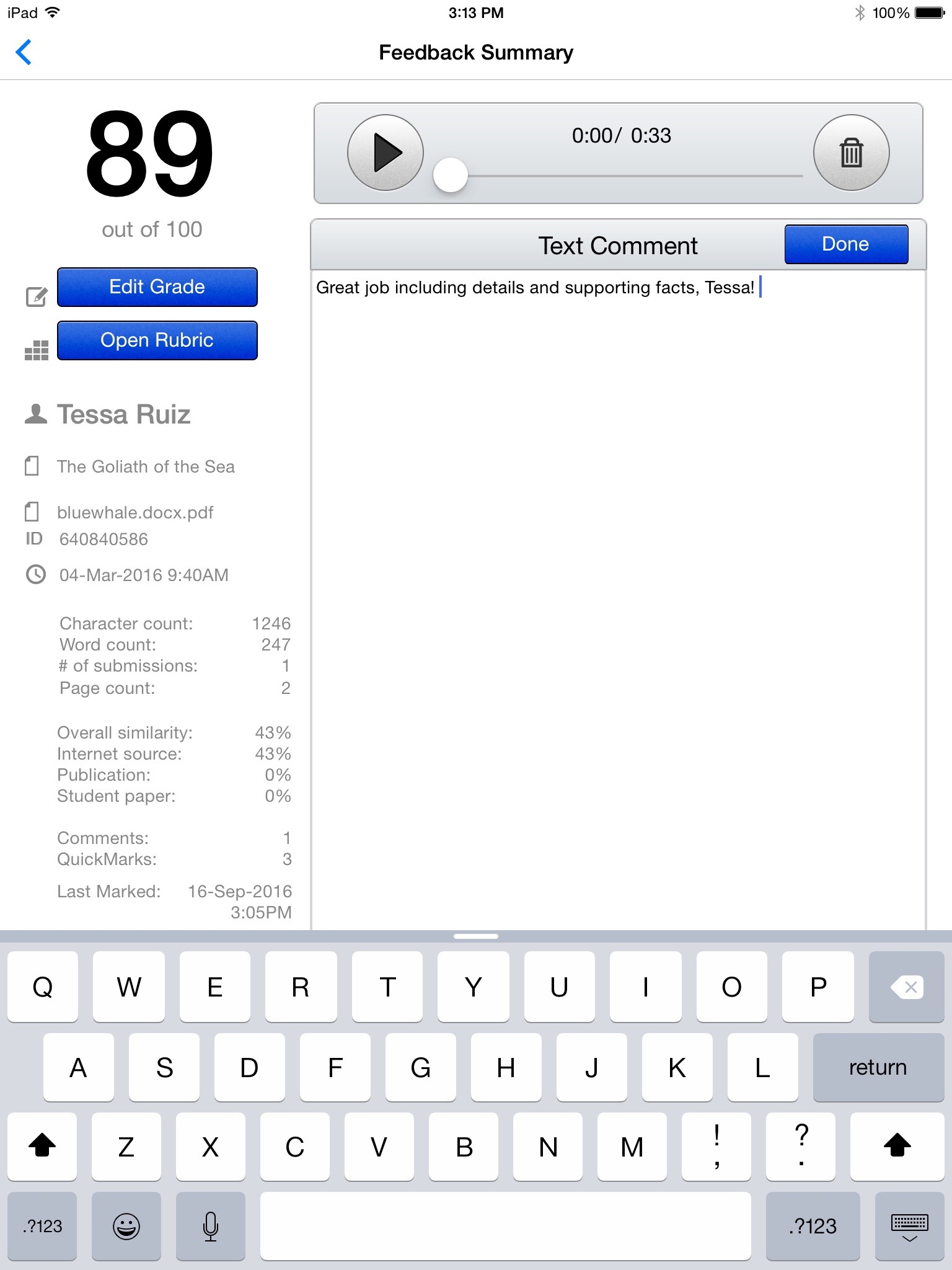 product image, use a logo because at least it reinforces the brand. If the space is very small, a logo may be preferable unless you can get a critical point across visually in that very small space. In these instances, do not pull a full screen grab or show numerous products like the entire group of supplements for a curriculum package. Instead, use one portion of the product screen. Note this image of Turnitin Feedback Studio. Most people will recognize the recording “play” icon. Without having to write this explicitly, the reader realizes there is an audio element to the product which might not have been mentioned in the write up.
Screen Grab Resolution
A screen grab taken on a monitor is only as detailed as the resolution of the monitor itself – 72 dpi. It isn’t possible to add pixels into image grabbed off the screen as most people do with the print-screen command. Furthermore, taking a really BIG screen image and then scrunching it down to a smaller physical size does not improve the resolution. The best product images come from the native graphic files used to create the product webpage. Talk with a graphic artist and let them either rebuild the image from the native files, or let them work their magic on images they have captured with specialized software. There are workarounds but it takes a specialized skill set. When we need an image quickly that will only be used on the web, my team uses Snagit set to its highest resolution, however this does not mean it is boosting the pixels in the image itself. It only means it will not degrade the image in saving it as a jpg or png file. If we need an image for print purposes, we take the extra steps to ensure the image is 300 dpi per the publication’s specifications, which means our graphic artist gets involved.
What to Show
Speaking of screen grabs, what should be shown? A screen grab might be scrunched into a 2 x 2 inch square. What could the reader possibly gather from such a small image? Simple images make the greatest impression so rather than showing everything, show a small portion. Take the Turnitin image above (with the audio icon) and this full screen from Feedback Studio on an iPad. The audio icon will have far more impact than this large screen. Stand your ground when making these decisions. We often have clients who want to show an impressive report or as much as possible of a product but we have to advocate for what will work best. Even better, grab an image showing a person or a simple graphical element like a custom icon or progress bar set at its highest point.
If the image space in the publication will be large, include the company name or logo on the product image but only if it can be artfully included and actually looks like it belongs there. Stay away from charts and rows of data. Instead, use an image evoking some type of emotional connection like a face or photograph.
Captions
The publication might not ask for a caption but it doesn’t hurt to include one. Include your company name and a few keywords but only as they naturally fit the topic. I like to supply two versions: one with less than 10 words and another slightly longer. The caption might not be needed but if it there is space, you reap the benefit. Best captions include action language about how the product benefits the user. Stay away from marketing lingo and instead write about the user or end result.